A separate database per school
Every school runs separately, with its own files and accounts. A problem at one school does not affect another.
Below are the real screens of orbit.edu, with the demo school. No mock-ups: this is what it looks like for your students, teachers, parents and school office. The screens are shown in Dutch; everyone can switch to English or French.
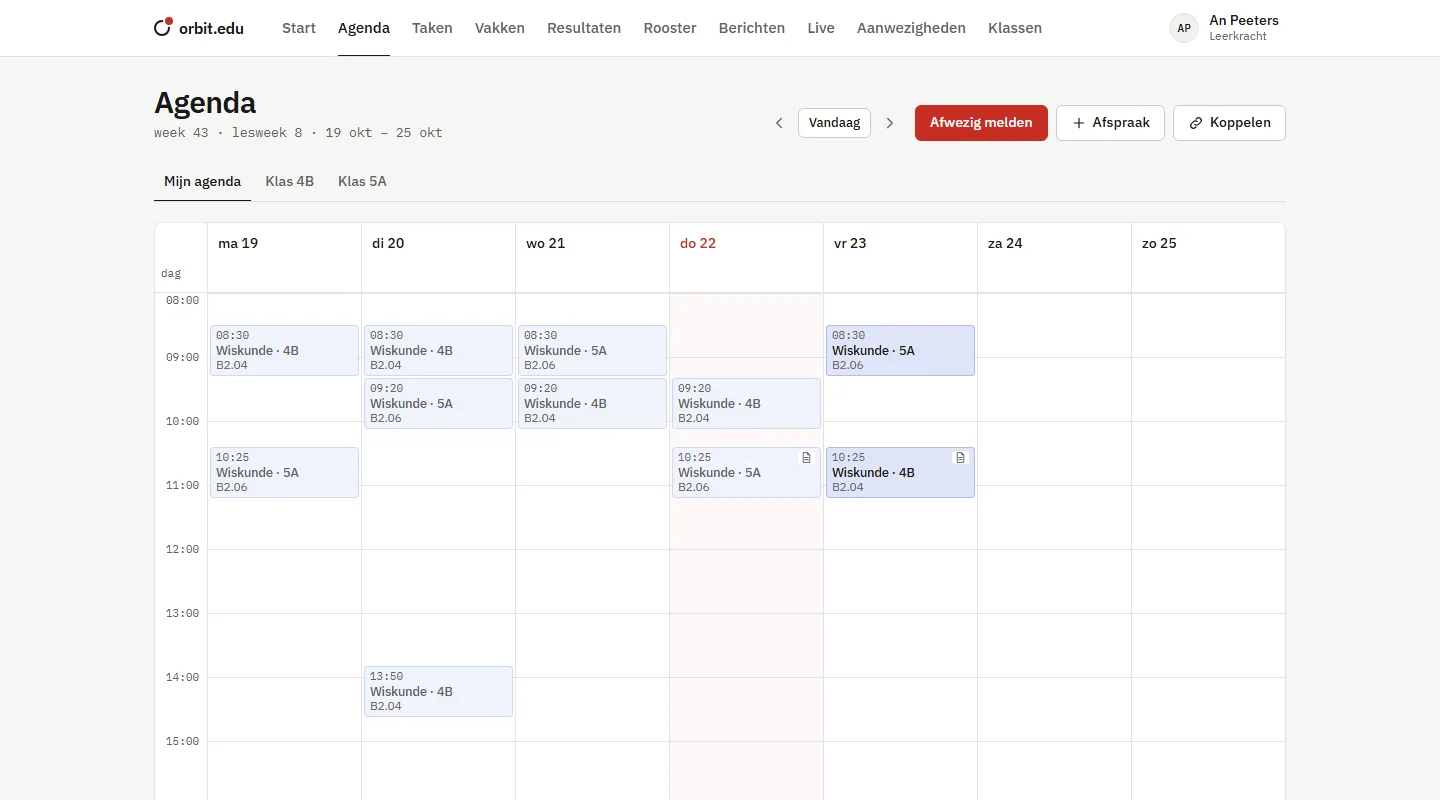
The school timetable is the basis. Every student sees their lessons, every teacher theirs, every parent their child's.
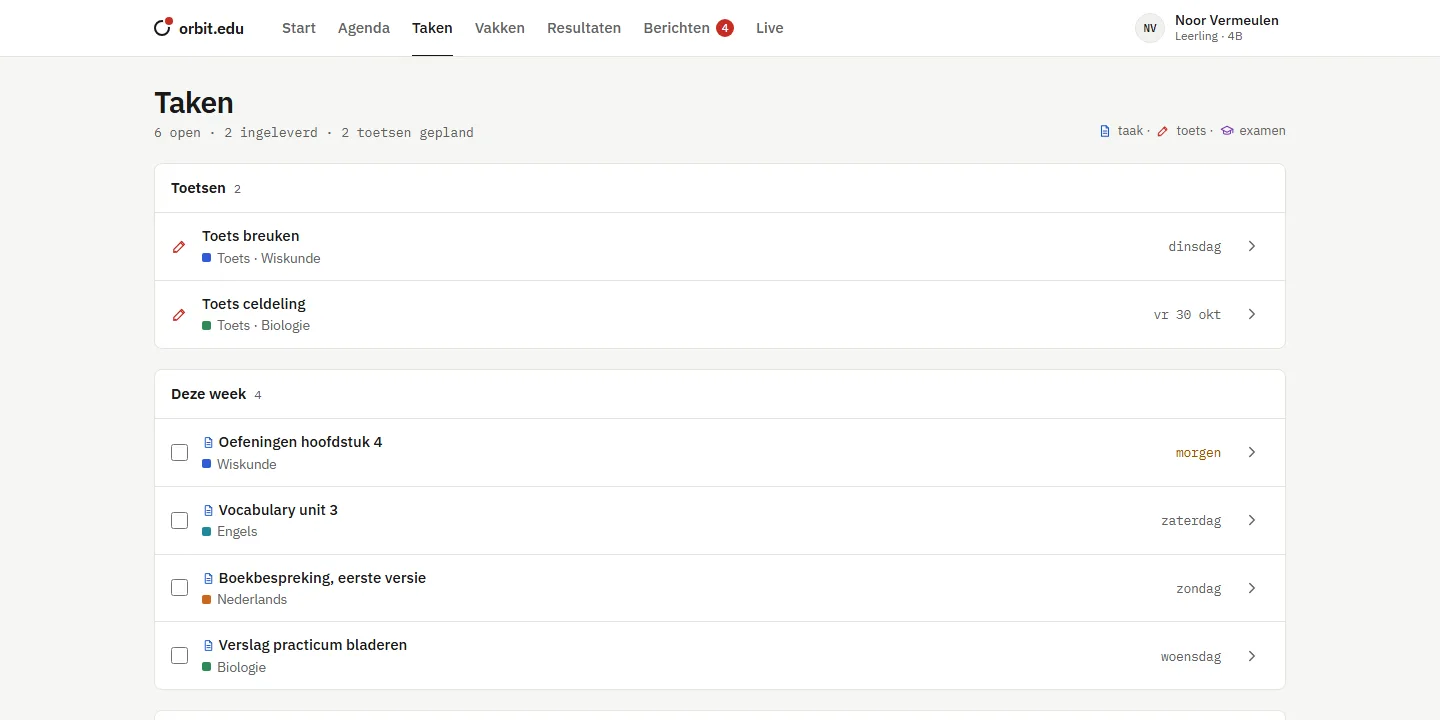
Assignments, tests and exams sit next to the lesson of that subject. Students hand in files, teachers mark with grades and feedback.
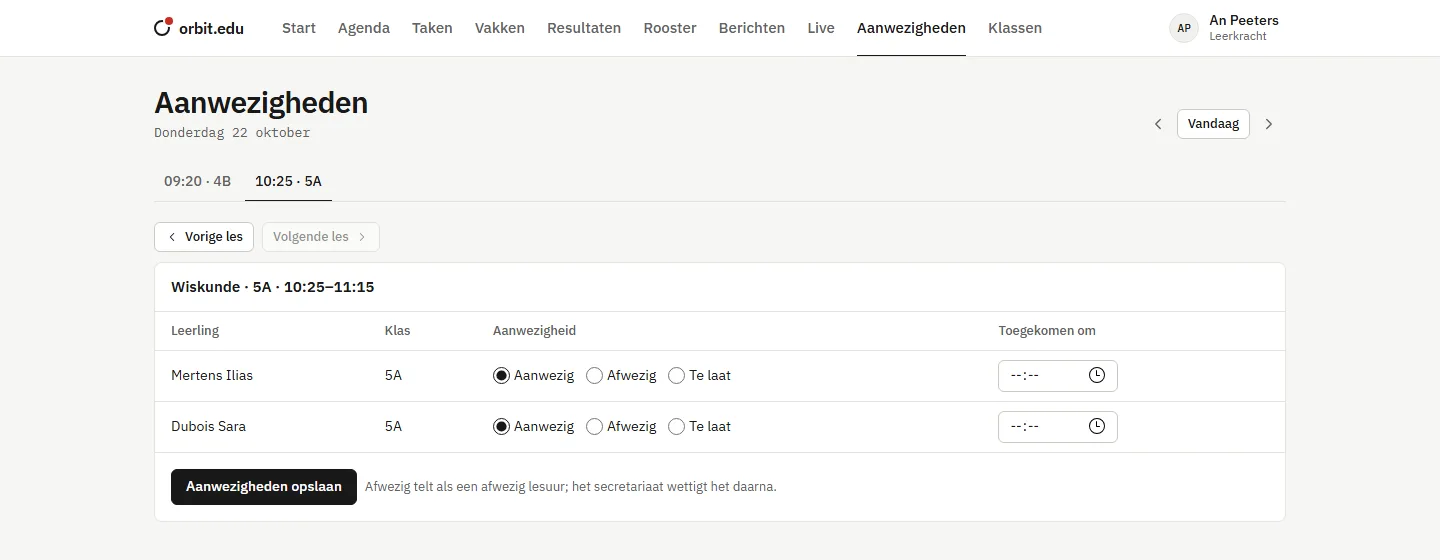
The screen opens at the lesson that is happening now. Mark absent or late, save, done. The school office sees it right away and excuses it afterwards.
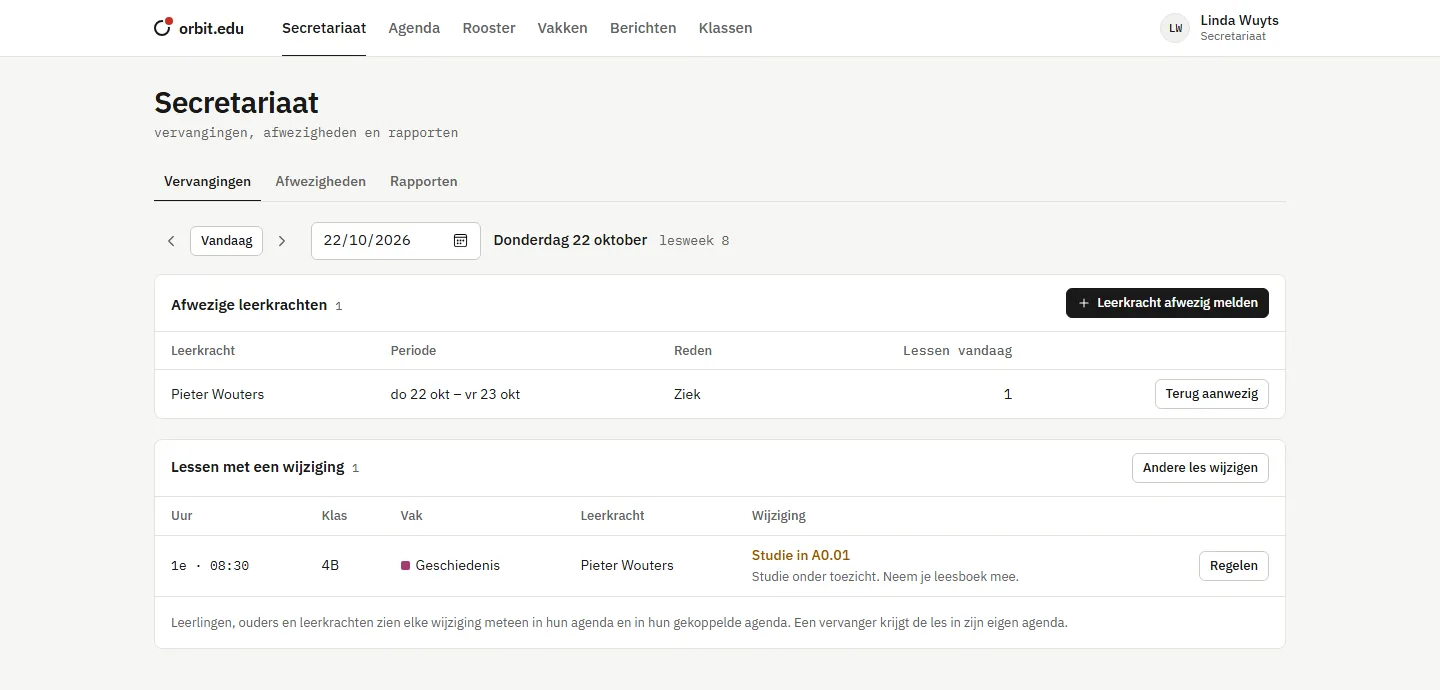
Who is absent today, which lessons are affected and what happens to them? Per lesson you choose a substitute, a study hall, or cancel it.
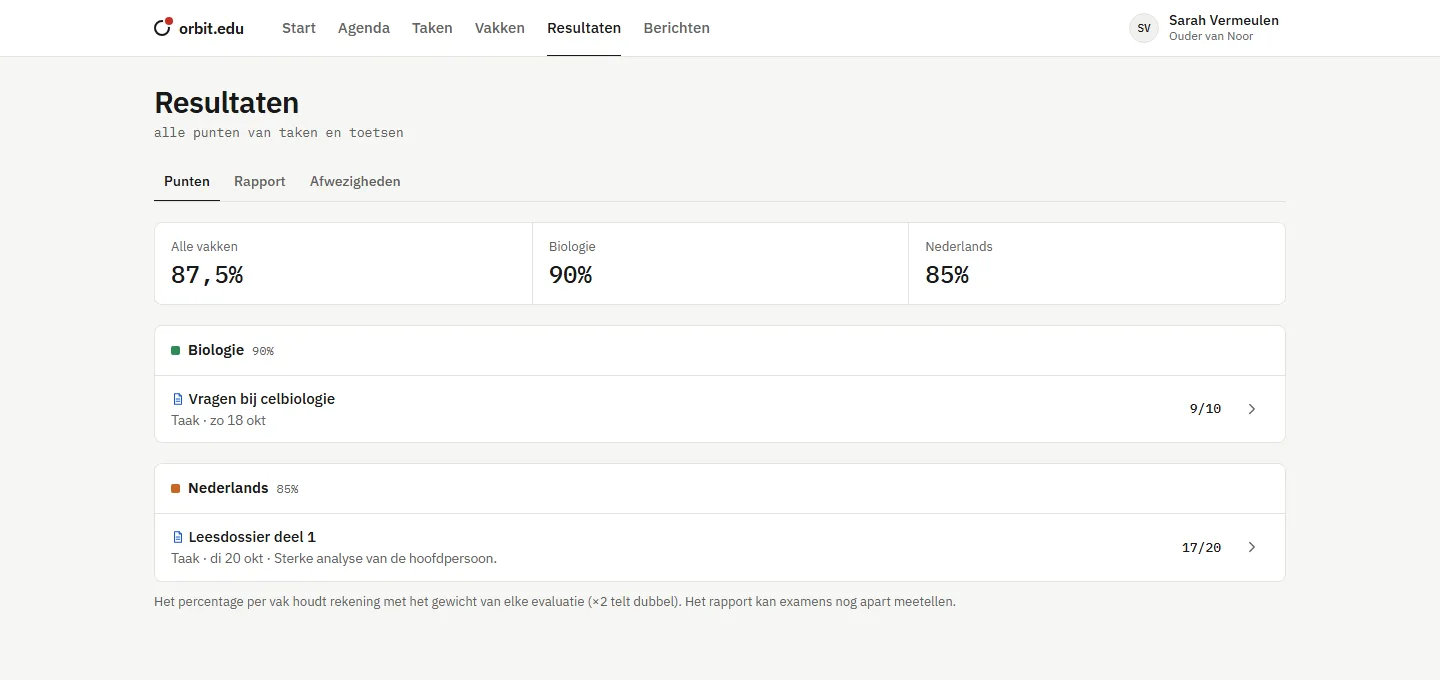
Grades from assignments and tests count with their weight. Subject teachers and the form tutor write comments, the school office publishes.
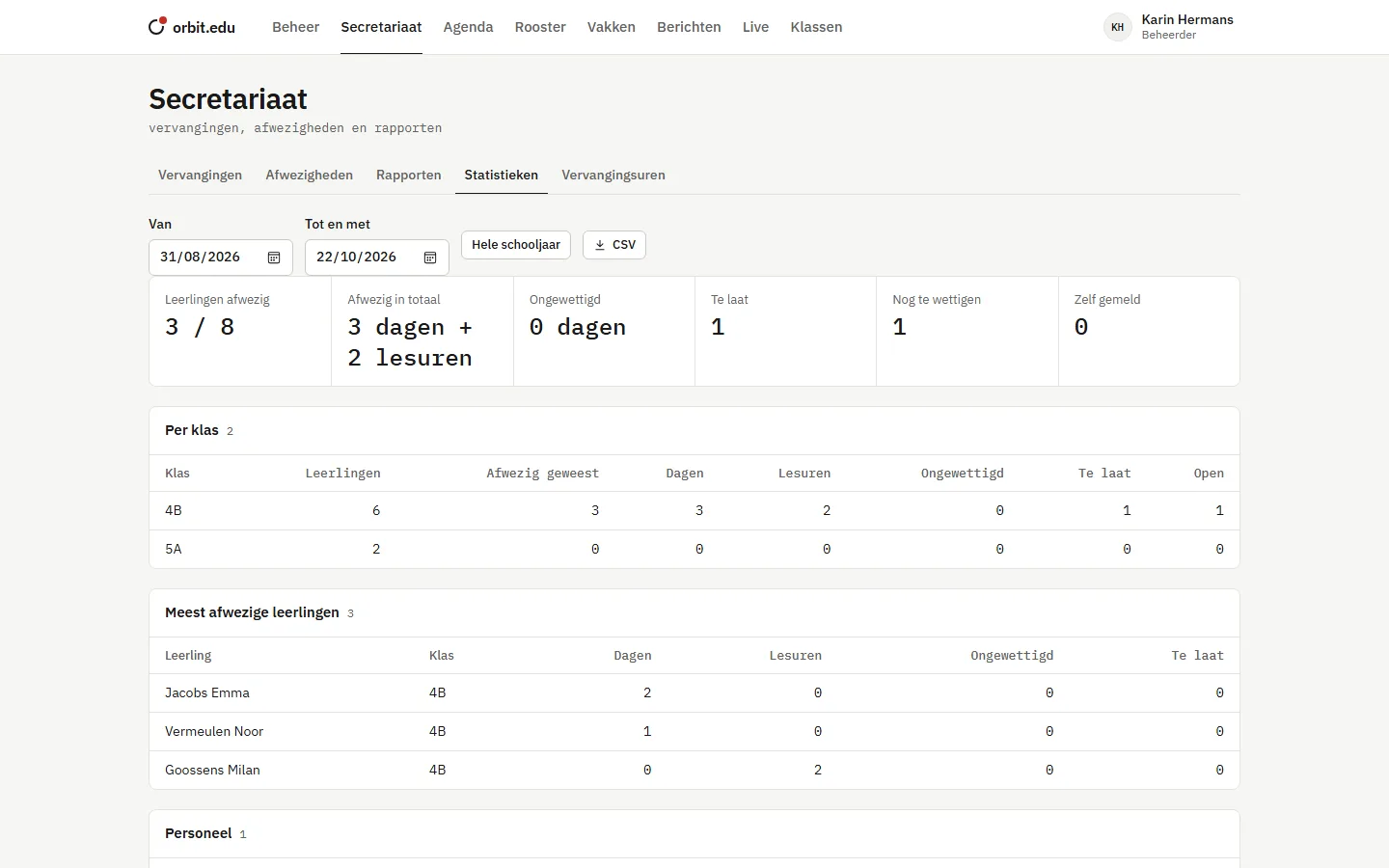
Absences of the school year per class, the students who are absent most often, and how many substitution hours each teacher did. Everything also as CSV for Excel.
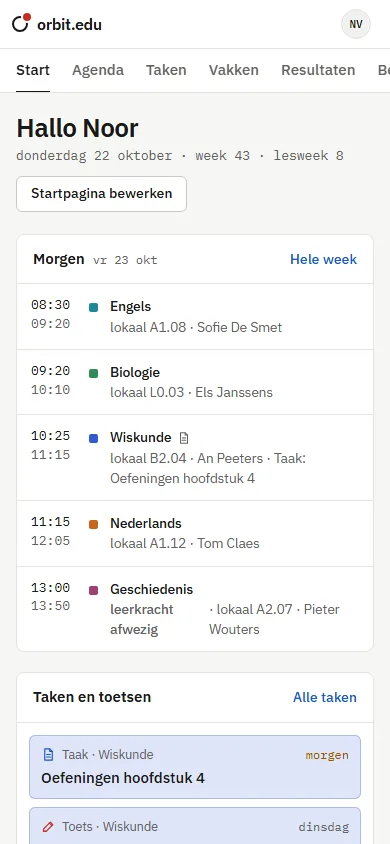
Every screen adapts. On a phone you add orbit.edu to your home screen, and it opens like an app. Nothing to install from an app store.
Every permission check happens on the server, not just in the screens. What is marked "configurable" below, the administrator turns on or off.
| What | Student | Teacher | Parent | School office | Administrator |
|---|---|---|---|---|---|
| Own calendar, assignments and messages | yes | yes | yes | yes | yes |
| See grades | own | own classes | configurable | – | yes |
| Enter grades | – | own subjects | – | – | yes |
| View report card and absences | own | own classes | own children | everyone | everyone |
| Take attendance | – | own lessons | – | – | – |
| Report yourself absent | yes | yes | for the child | yes | yes |
| Record and excuse absences | – | – | – | yes | yes |
| Arrange substitutions | – | – | – | yes | yes |
| Publish report cards | – | – | – | yes | yes |
| Message a whole class | – | yes | – | yes | yes |
| Messages to classmates | configurable | – | – | – | – |
| Statistics and substitution hours | – | – | – | – | yes |
| Users, classes, school year and permissions | – | – | – | – | yes |
Every school runs separately, with its own files and accounts. A problem at one school does not affect another.
HTTPS, strong passwords with checkmarks while choosing, two-step verification and lockout after too many attempts.
Every file goes through a virus scan before it reaches anyone else.
The school chooses how long each type of data is kept. Old data is cleaned up automatically.
Export or permanently delete all of a person's data, with one button.
Medical reasons for absences stay with the school office. Doctor's notes are not uploaded.
We show you the demo school, with your own questions and situations in mind.